Upload a photo of the body part and a tattoo design. The tool composites the design onto your photo, following the body's perspective, lighting and skin texture — so you can judge the idea on your own skin first. Download the result, sleep on it, and only book a studio when you are sure.
Your preview appears here
Add your photo and a tattoo design, then run the preview.
Generated from ordinary phone photos — hover to see the original.
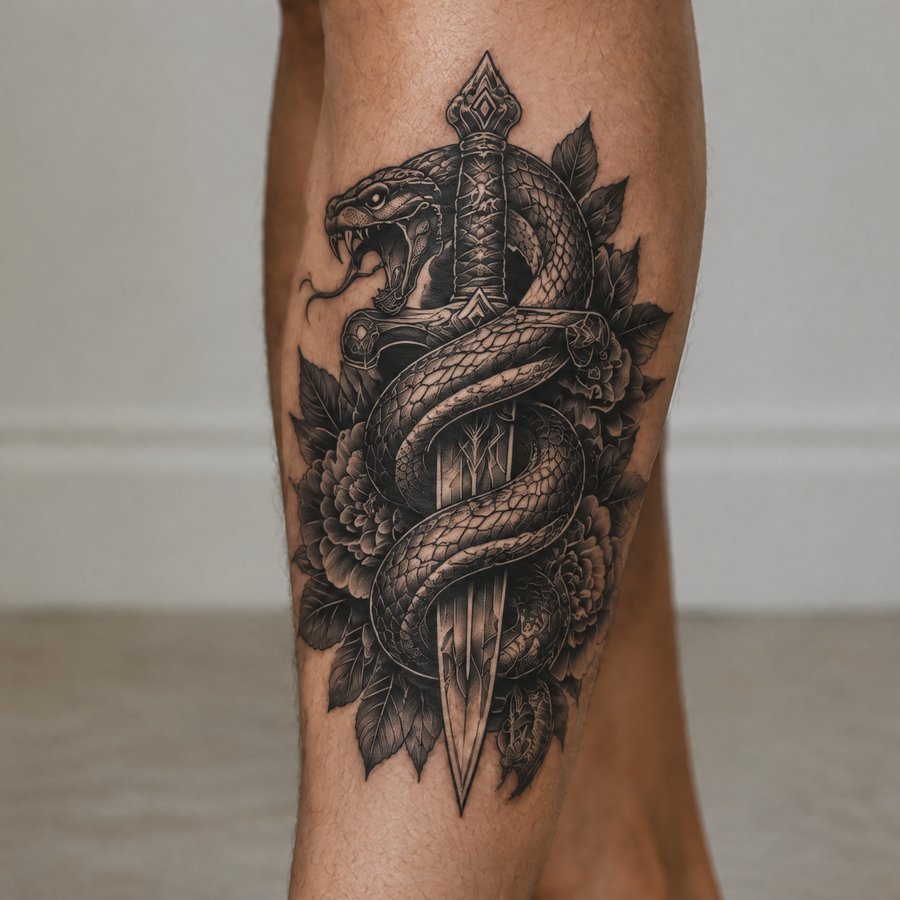
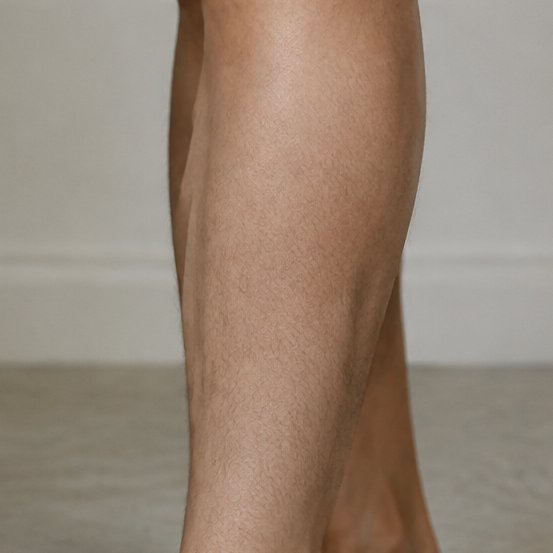
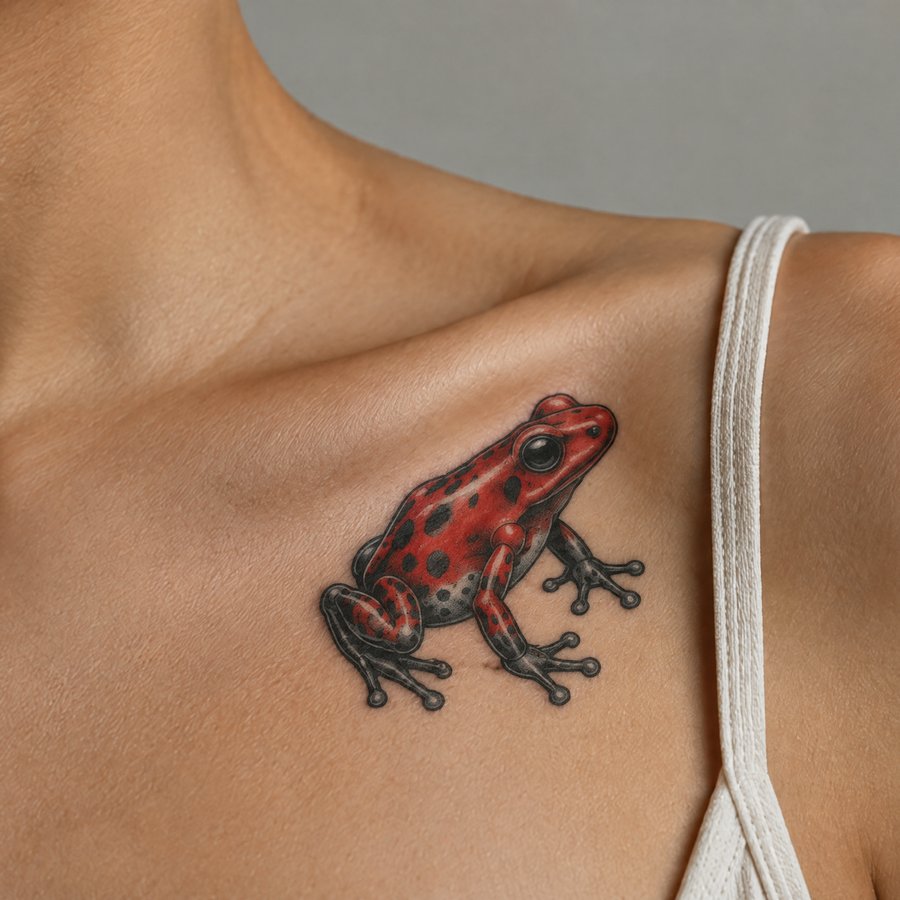
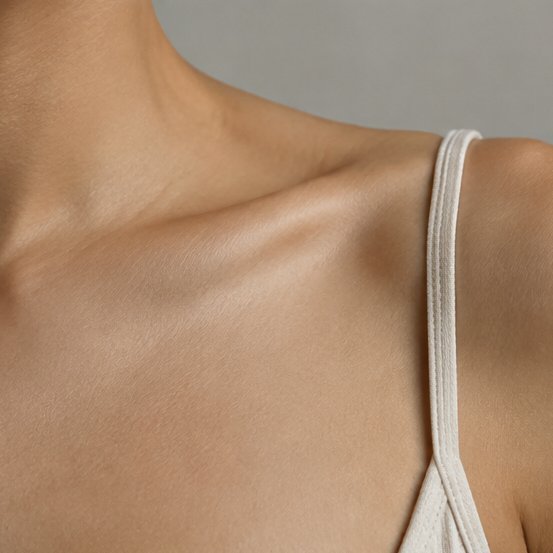
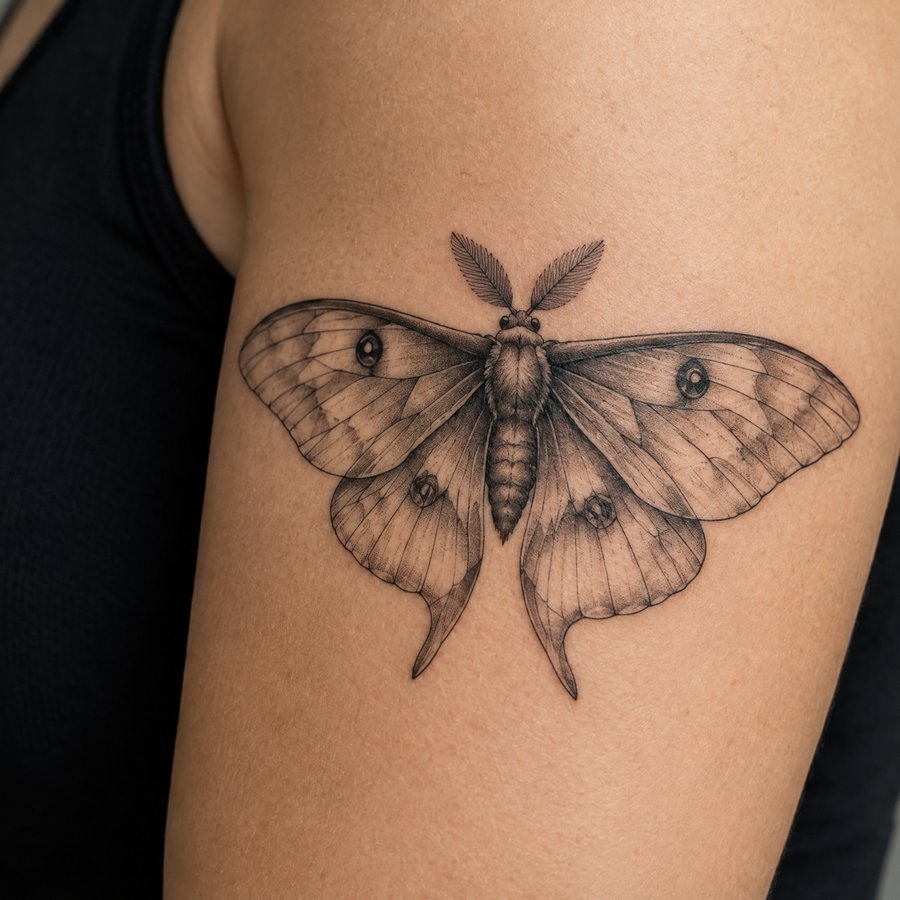
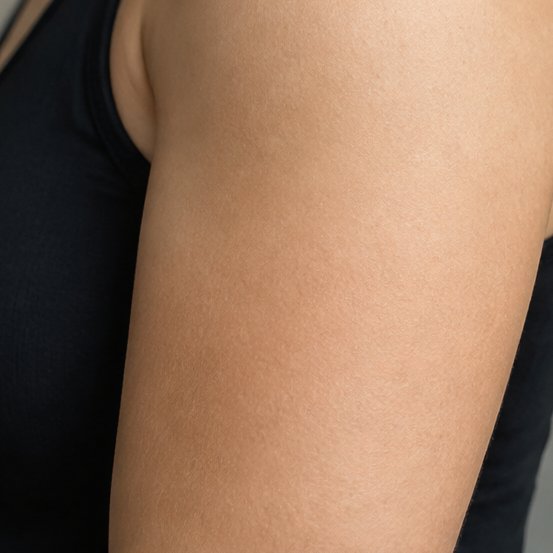
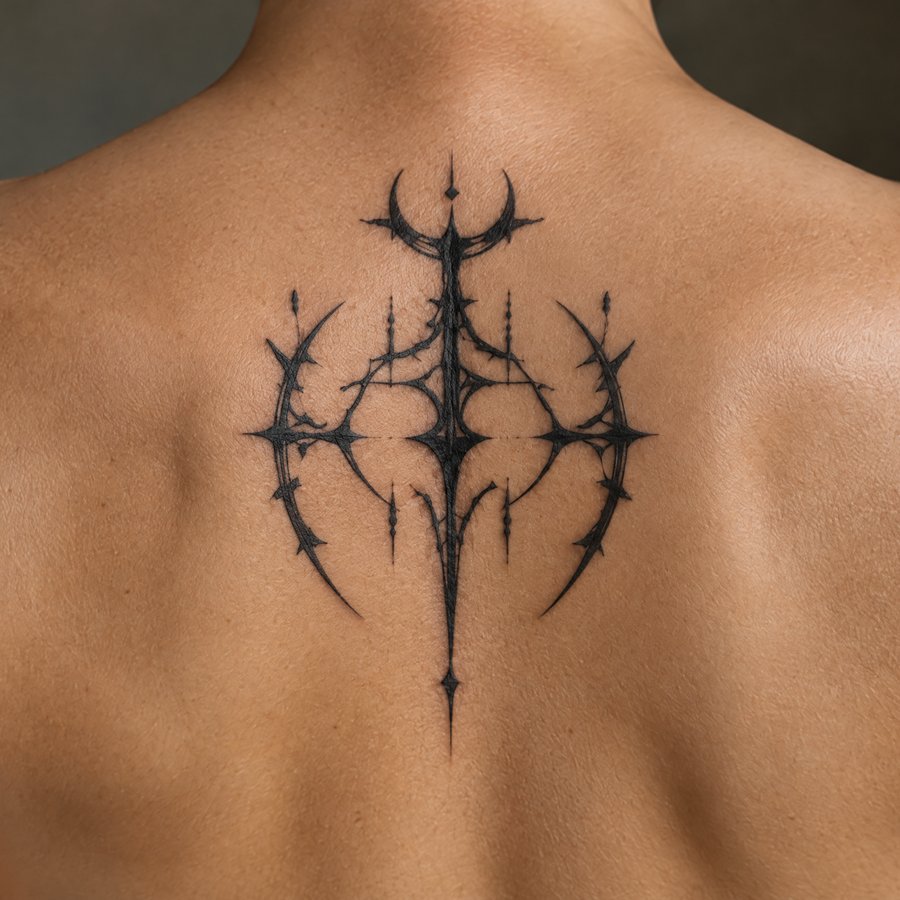
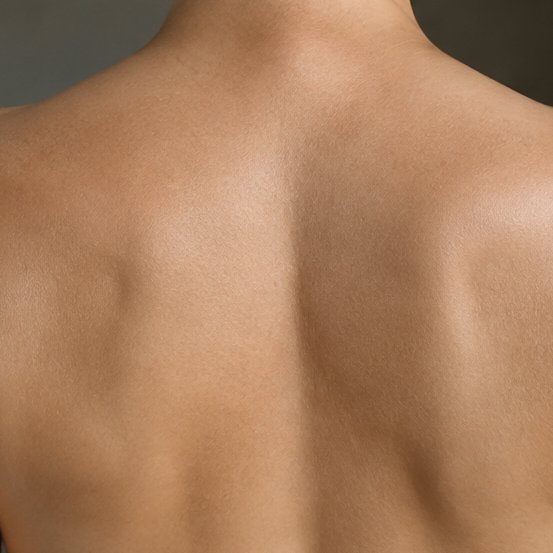
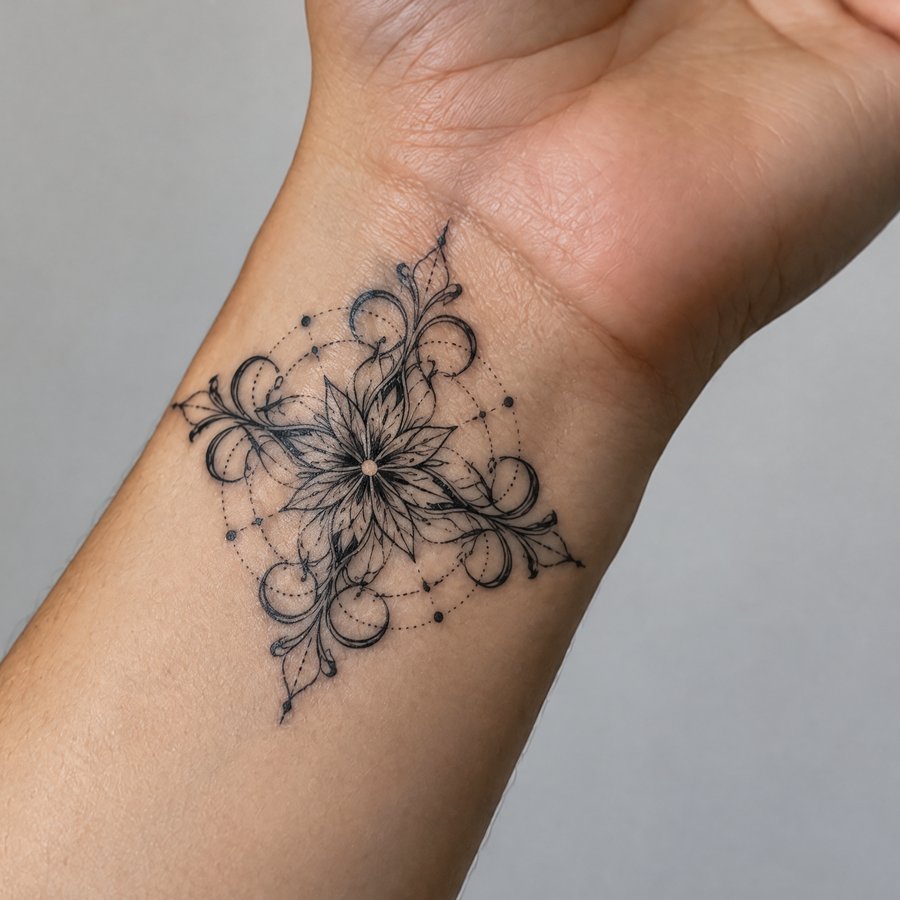
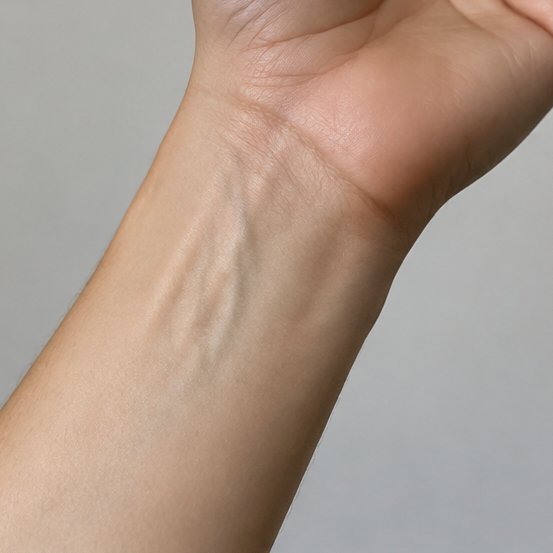
A clear, well-lit photo of the body part where you want the tattoo.
Any tattoo image with a clear outline — your own artwork or one you are considering.
The tool composites the design onto your photo. The result lands in your Library to download and compare.
How to preview a tattoo on your photo
You upload a photo of a body part and a tattoo design. The tool composites the design onto your photo so you can see how the tattoo would look on your skin before you commit.
Yes. Previews are AI generations, so you need to sign in and each one costs 2 credits. New accounts start with free credits to try it.
Clear, well-lit photos of the body part where you want the tattoo, taken straight on. Flat, dark or blurry photos give weaker results. For the design, any image with a clear outline on a plain background works best.
Yes — upload a photo that shows your existing tattoo as the photo, your new design as the design, and the tool composites the new piece over the old ink. The dedicated Cover-Up page has more detail.
Yes. Add a short note like "inner forearm, medium size" and the preview follows it. Without a note, the tool picks a natural placement for the body part in your photo.
Uploads are processed to generate your previews. Finished results are saved to your private Library so you can download them again; your source photos are not shown anywhere public.