Covering an old tattoo is a big decision. Upload a photo that shows the existing piece, add the design you are considering, and see it composited over the old ink — perspective, lighting and skin texture included.
Your preview appears here
Add your photo and a tattoo design, then run the preview.
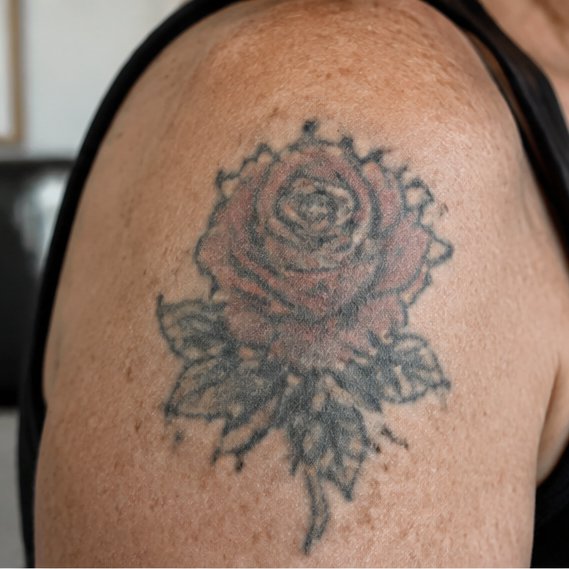
Old ink in, new piece out — hover to see the original tattoo.
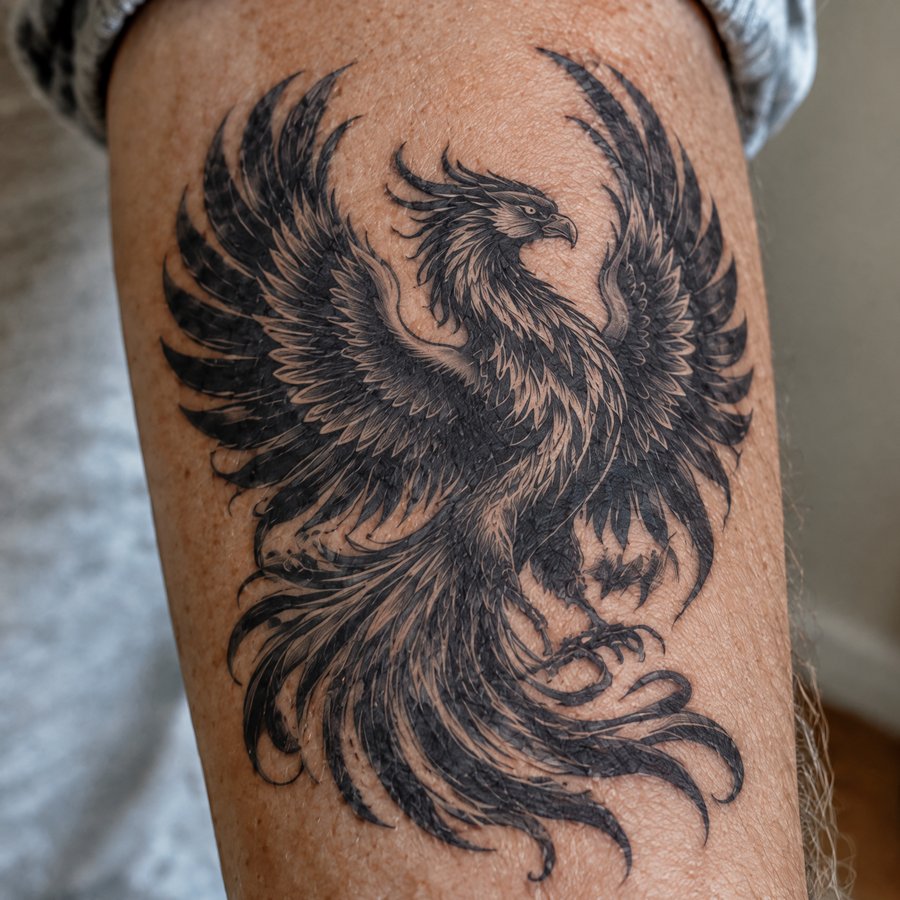
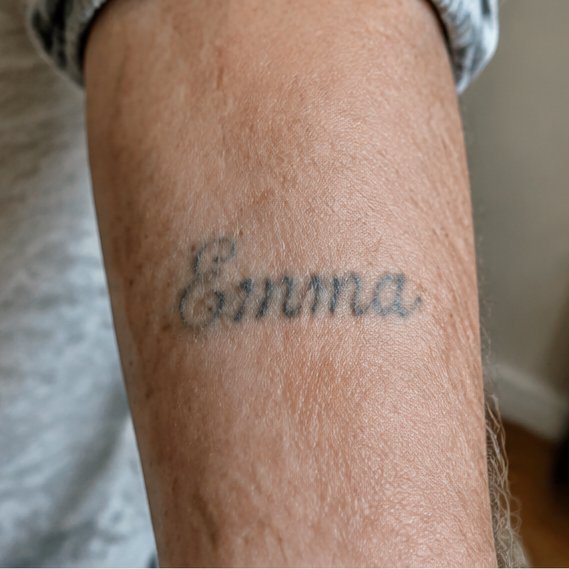
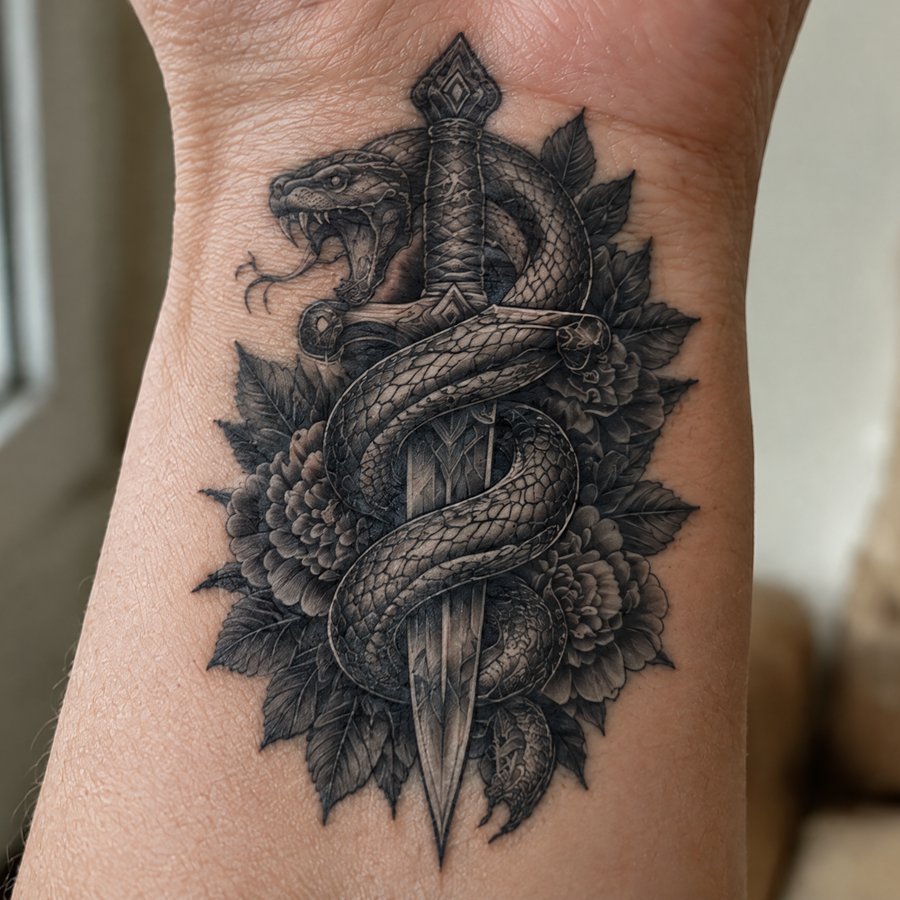
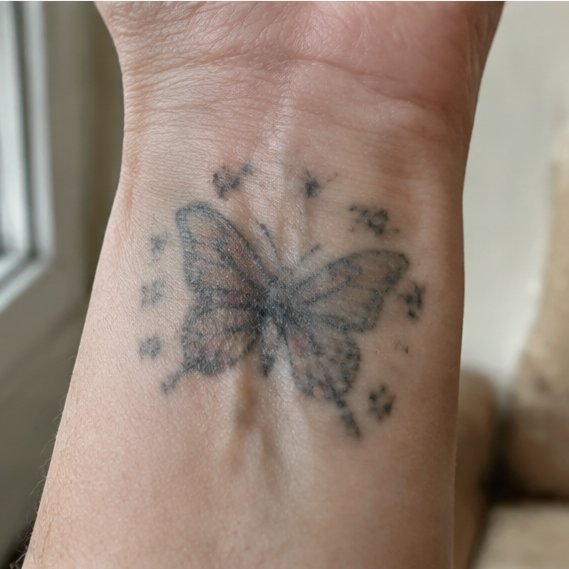
A clear, well-lit photo of the area with your existing tattoo.
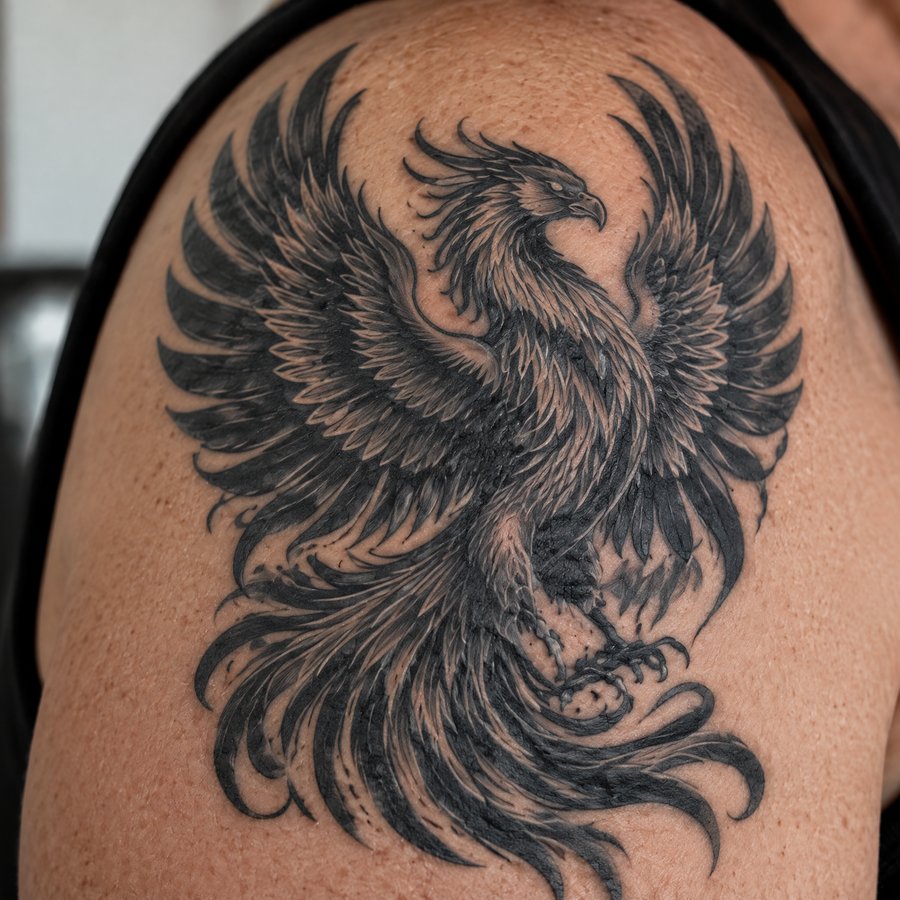
The piece you are considering for the cover-up.
The tool composites the new design over the old ink on your photo. If old lines still peek through, go bigger or darker and run it again — no cost beyond the 2 credits.
How to preview a cover-up
You upload a photo of your existing tattoo and the new design you are considering. The tool composites the new design over the old ink on your own photo, so you can judge whether the cover-up works before you book the appointment.
Yes. Each preview is an AI generation that costs 2 credits after you sign in. New accounts start with free credits to try it.
Dark pieces need bigger, denser designs — that is true in real tattooing too. Preview a design with heavy shading or solid black areas to see whether it reads as covered on your photo.
Any tattoo artwork you are considering — a reference you saved, a flash design, or your artist's proposal sketch. For covering dark old ink, bigger and denser designs (heavy shading, blackwork, dark realism) work best; fine-line or light-colored styles usually cannot hide a dark tattoo. The preview shows you honestly whether the design covers.
No — you bring the design, the tool shows it on your skin. If you are still exploring ideas, browse flash sheets or ask your artist for a proposal first, then upload it here to preview it.
Uploads are processed to generate your previews. Finished results are saved to your private Library so you can download them again; your source photos are not shown anywhere public.